Video Shot Prompt Library
Thirty shot briefs, organized for adaptation and review
One payment. Complete ZIP download after payment verification. Use your own tools. Pay with UPI, Indian cards, netbanking or an international card.
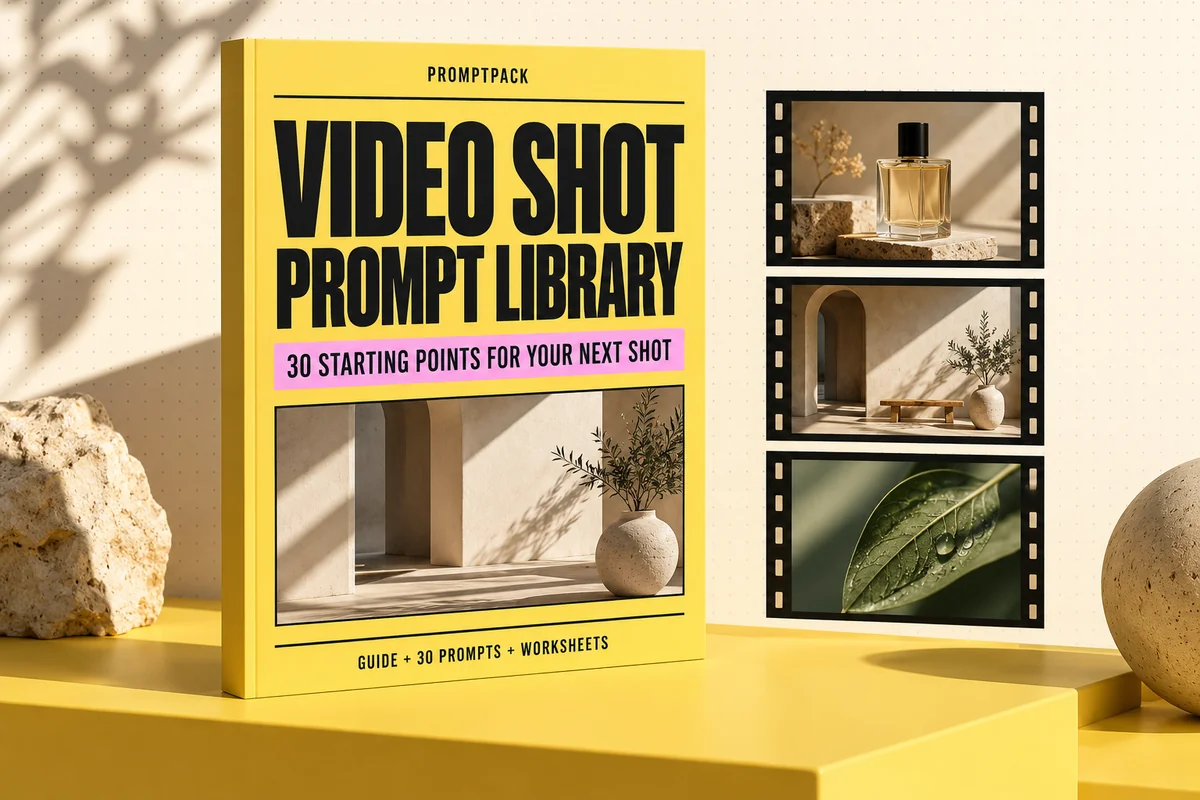
What you'll make
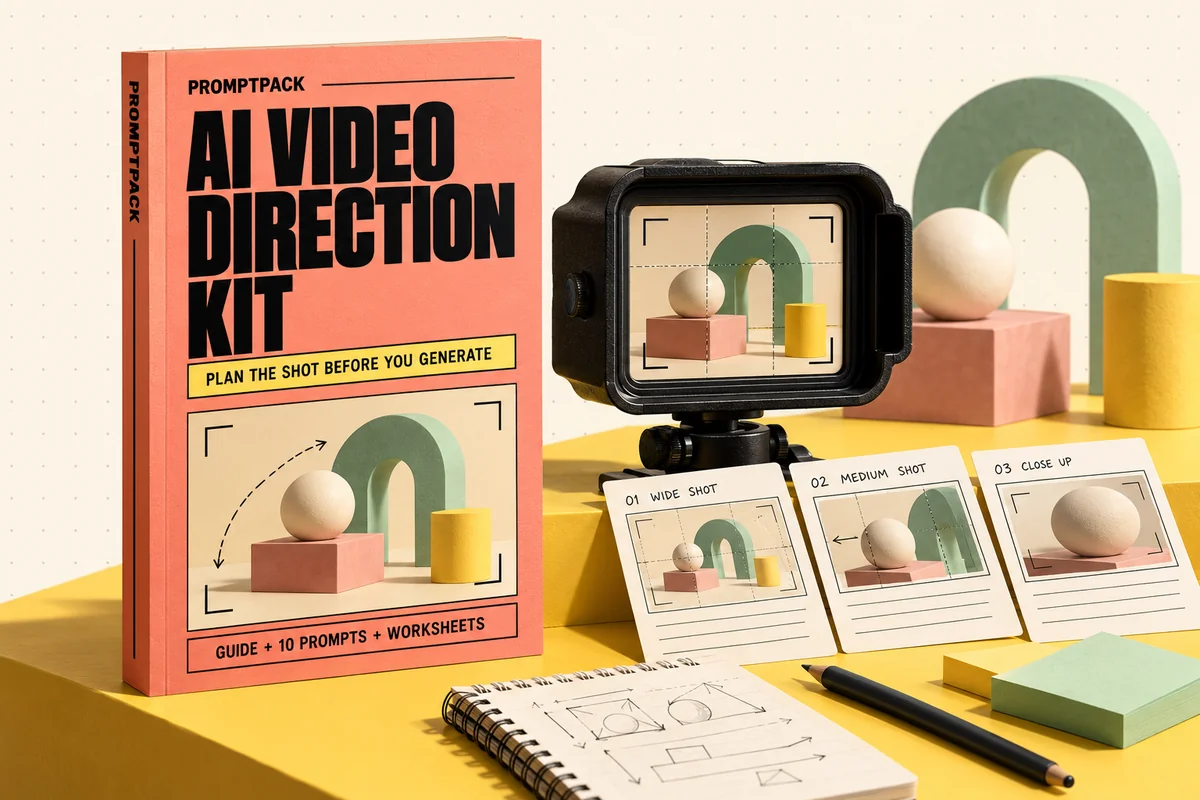
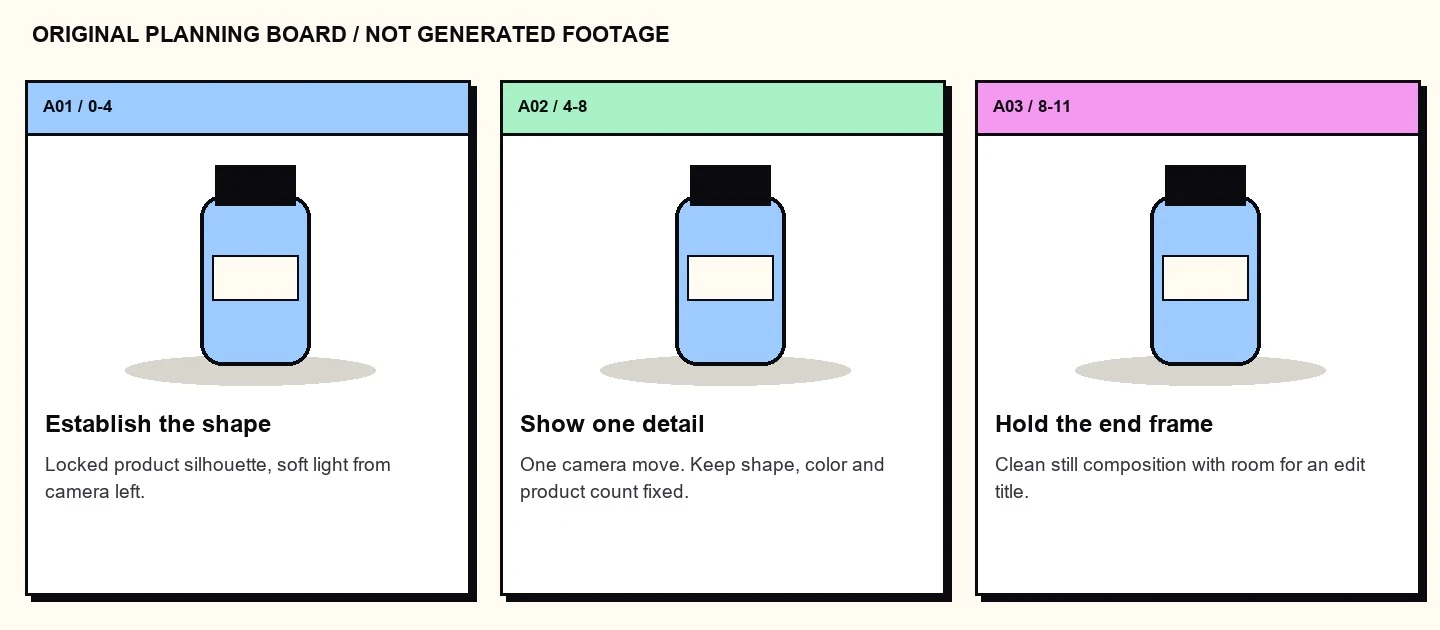
Thirty original B-roll shot prompts plus an index, continuity worksheet and selection rubric. A local contact-sheet example shows how to plan a small set before generating footage.
What's inside the download?
- 24-page PDF field guide
- 30 editable prompts
- Original worked example and starter files
- Blank and filled worksheets
- Repository source register and usage notes
The PDF is paired with an editable Markdown guide, a prompt library, blank and filled CSV worksheets, source references and a starter README.
Look inside the actual edition
A workshop page from the guide, followed by an original example included in the practical files.
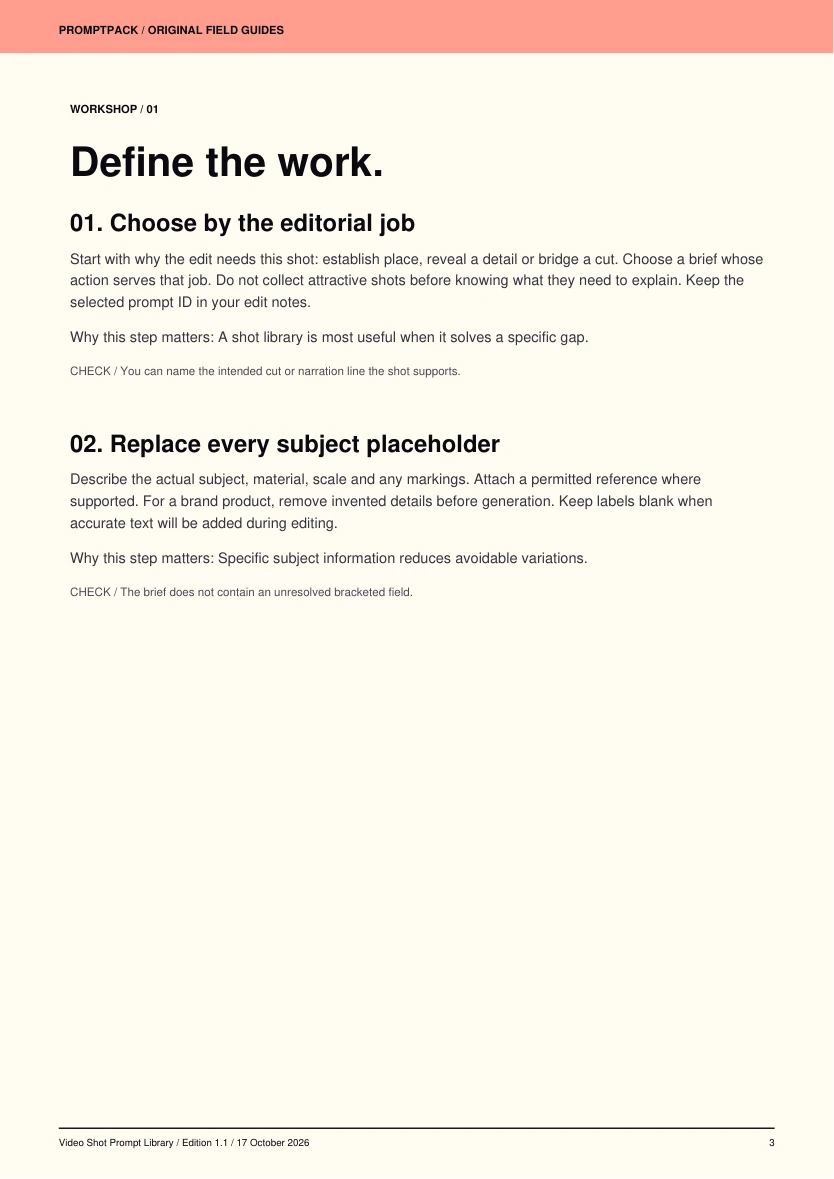
Six practical workshop steps
- Choose by the editorial job
- Replace every subject placeholder
- Preserve one controlled action
- Read the tool and model requirements
- Score observable defects
- Build a small approved collection
Your first session
- Open PROMPTS.md and choose one of the thirty shots.
- Fill the subject, authorized reference and intended use before generation.
- Run the optional storyboard example: python storyboard.py shots.json output
- Generate a short test in your own video tool and record its model and settings.
Requirements and scope
A video generator of your choice. Each brief needs your subject and any reference assets you are licensed to use.
The library contains original text briefs and planning assets, not thirty generated clips. A prompt cannot guarantee physical accuracy or identical output across models. Model access, hardware and generation credits are separate.
Public tools behind the workflow
These tools are available from their original authors. This independent guide adds instruction and original exercises; tool access, model weights and service accounts are separate.
- huggingface/diffusers ↗Apache-2.0 · source revision d42ebf9c6e0bLicense at reviewed revision
Try an editable prompt
Replace the bracketed fields with your own project details. This sample is part of the included prompt library.
Create a six-second close-up of [PRODUCT] on a matte stone surface. A large window on camera left provides soft daylight. Begin on the edge texture, then make a slow lateral camera move to reveal the full product. The product stays still and retains the exact shape, finish and markings of [AUTHORIZED REFERENCE]. Keep the background plain and depth of field sufficient to read the product outline. Review the result for drifting labels, changing geometry and implausible reflections before using it.
More tools for your next project.
Explore these other PromptPack digital products. Each pack is sold separately.