Short Explainer Studio
One question, a clear answer and a source for every claim
One payment. Complete ZIP download after payment verification. Use your own tools. Pay with UPI, Indian cards, netbanking or an international card.
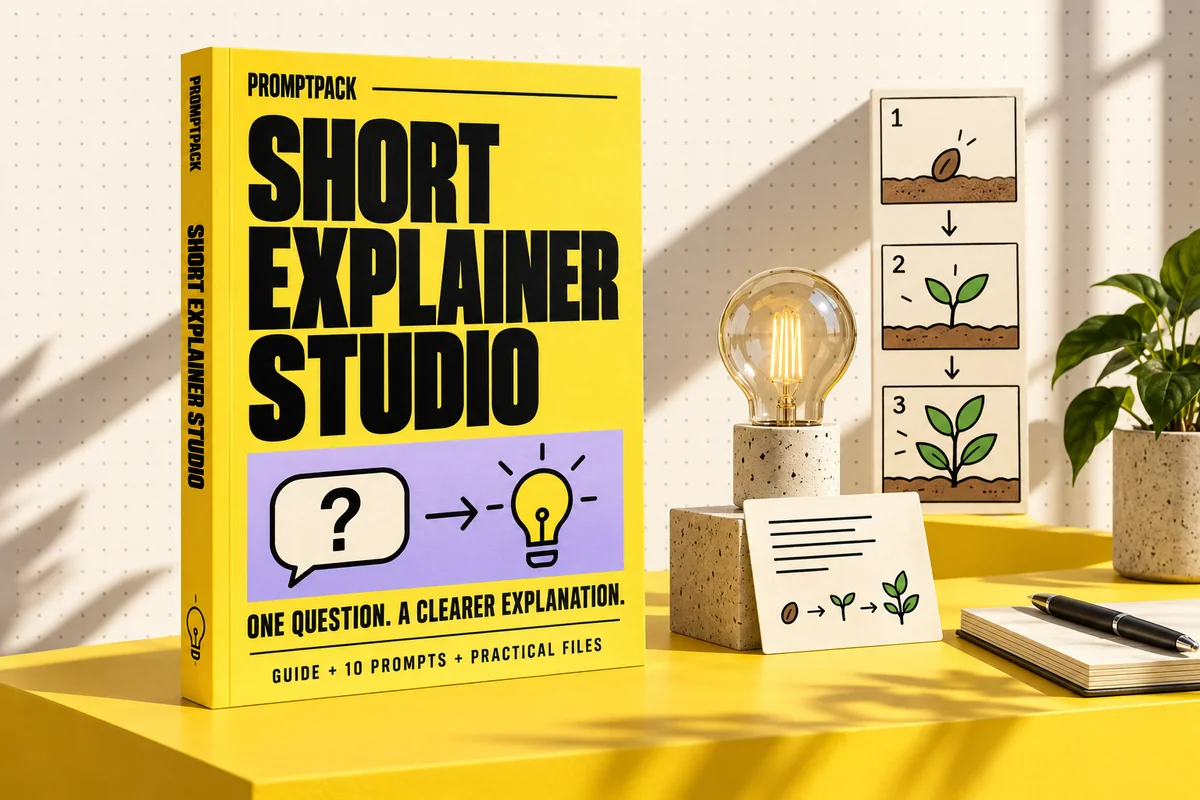
What you'll make
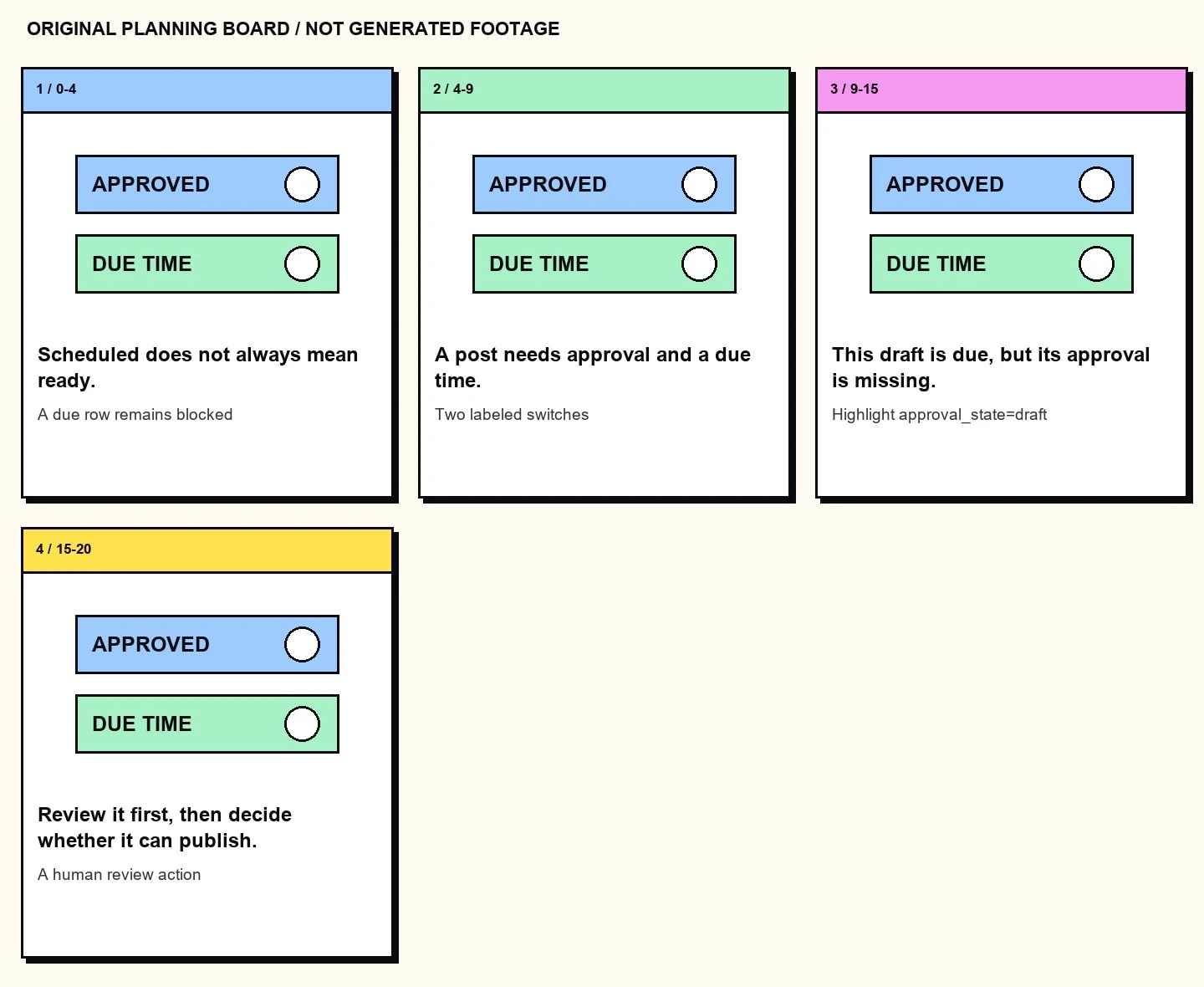
A source-led short explanation with narration notes, a timed storyboard and a caption draft. The original example explains a documented offline content queue, so the mechanism can be checked locally.
What's inside the download?
- 14-page PDF field guide
- 10 editable prompts
- Original worked example and starter files
- Blank and filled worksheets
- Repository source register and usage notes
The PDF is paired with an editable Markdown guide, a prompt library, blank and filled CSV worksheets, source references and a starter README.
Look inside the actual edition
A workshop page from the guide, followed by an original example included in the practical files.
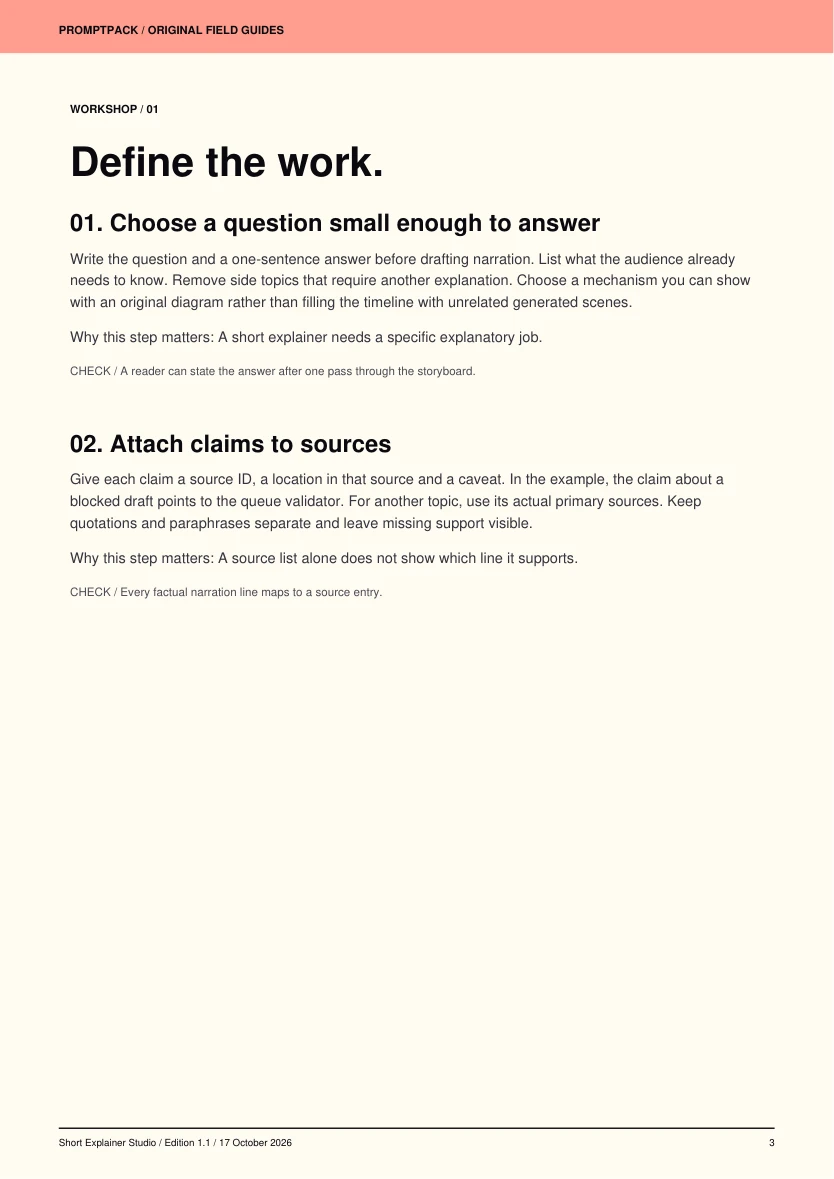
Six practical workshop steps
- Choose a question small enough to answer
- Attach claims to sources
- Plan the narration budget
- Explain with the visual
- Prepare captions from the actual audio
- Run the explanation check
Your first session
- Open starter/explainer.json and its source IDs.
- Install Pillow and run: python storyboard.py explainer.json output
- Read output/storyboard.jpg from left to right.
- Read the narration aloud, measure its real duration and adjust cue times before editing.
Requirements and scope
A text AI assistant, trustworthy topic sources and an editor or video generator.
The pack contains planning files and an illustrated example, not a recorded lesson or a generated documentary clip. Whisper transcription needs review; it is not an authoritative source for factual claims.
Public tools behind the workflow
These tools are available from their original authors. This independent guide adds instruction and original exercises; tool access, model weights and service accounts are separate.
- heygen-com/hyperframes ↗Apache-2.0 · source revision 72666462647cLicense at reviewed revision
- openai/whisper ↗MIT · source revision 86098128c0b4License at reviewed revision
Try an editable prompt
Replace the bracketed fields with your own project details. This sample is part of the included prompt library.
Explain [TOPIC] to [AUDIENCE] in a 30-second script using only [SOURCE EXCERPTS]. Choose one question and answer it directly. Return a table with time range, narration, visual action and supporting source. Use a simple original visual analogy and state its limits. Keep narration under 70 words. Mark uncertainties instead of filling gaps. End with the answer rather than an unrelated call to action. List any visuals that could misrepresent scale, causation or time.
More tools for your next project.
Explore these other PromptPack digital products. Each pack is sold separately.