AI Video Direction Kit
Build a shot specification you can actually evaluate
One payment. Complete ZIP download after payment verification. Use your own tools. Pay with UPI, Indian cards, netbanking or an international card.
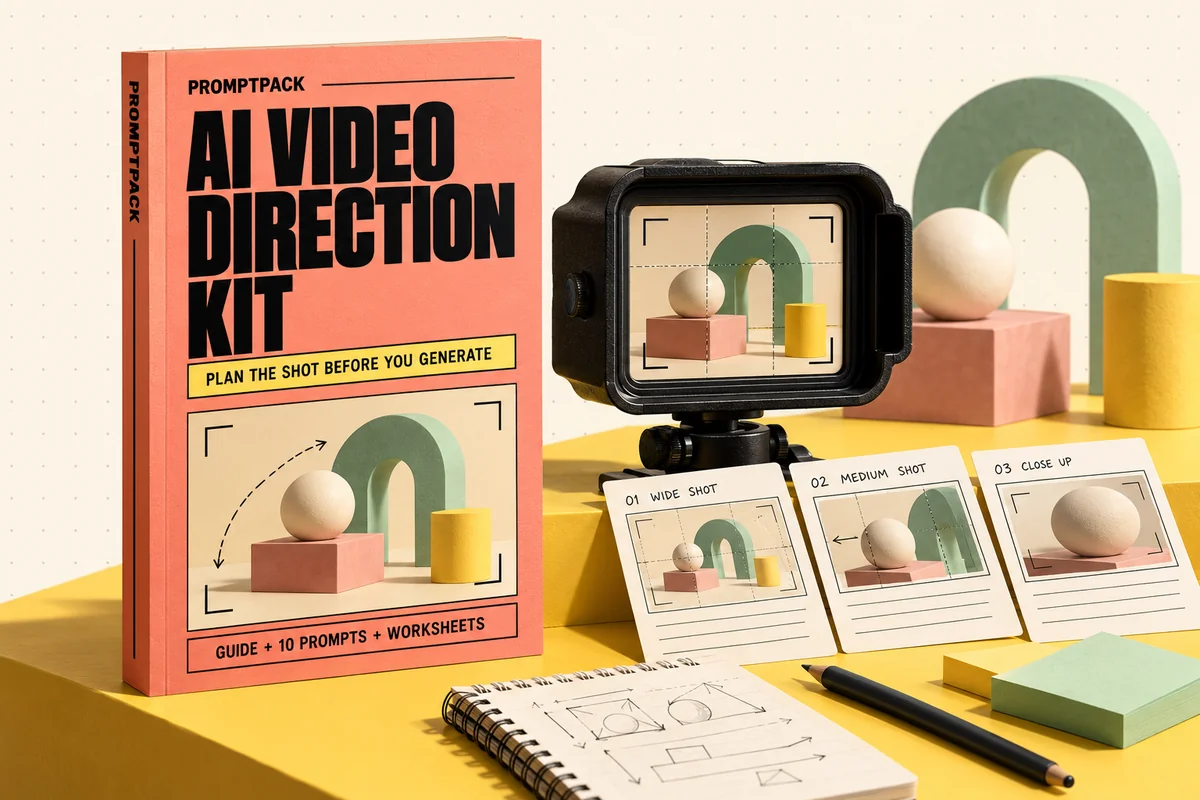
What you'll make
A production-ready shot brief, continuity block, take log and a visual shot-board example. The starter creates a local contact sheet for the planned shots; it does not call a video model.
What's inside the download?
- 14-page PDF field guide
- 10 editable prompts
- Original worked example and starter files
- Blank and filled worksheets
- Repository source register and usage notes
The PDF is paired with an editable Markdown guide, a prompt library, blank and filled CSV worksheets, source references and a starter README.
Look inside the actual edition
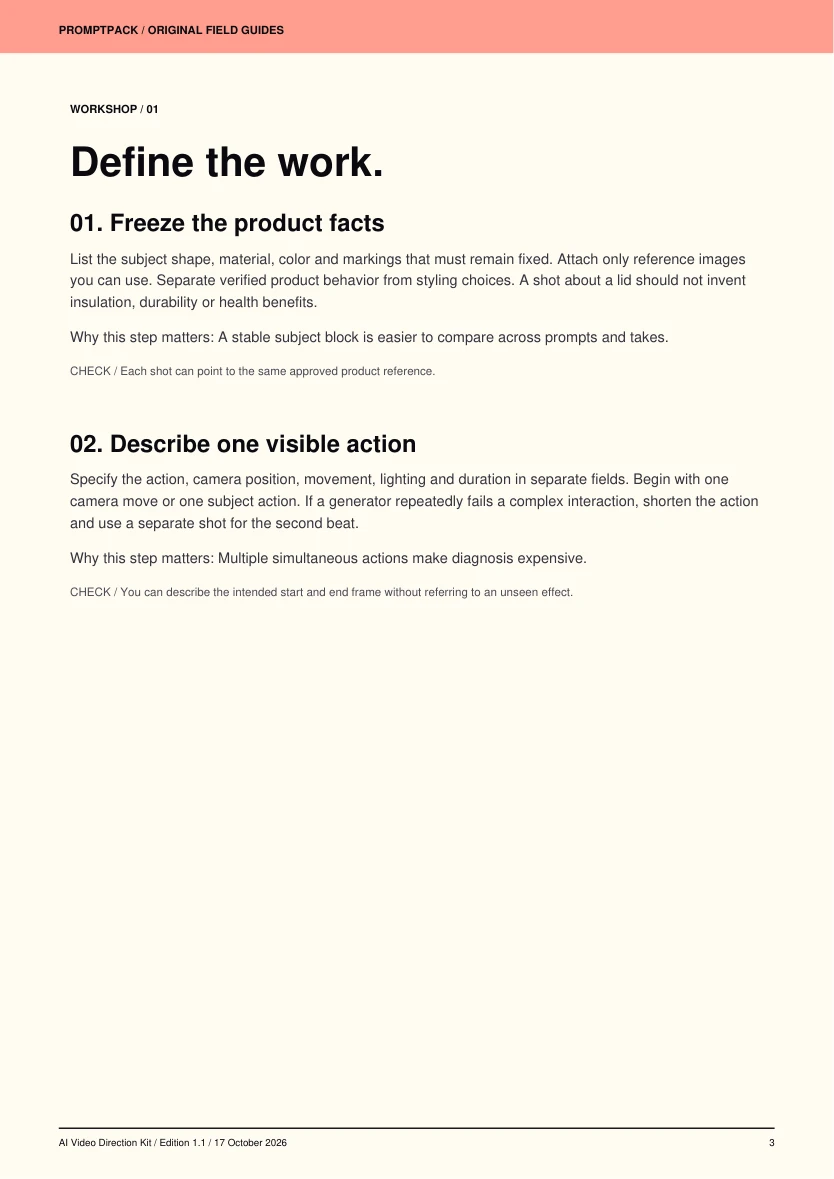
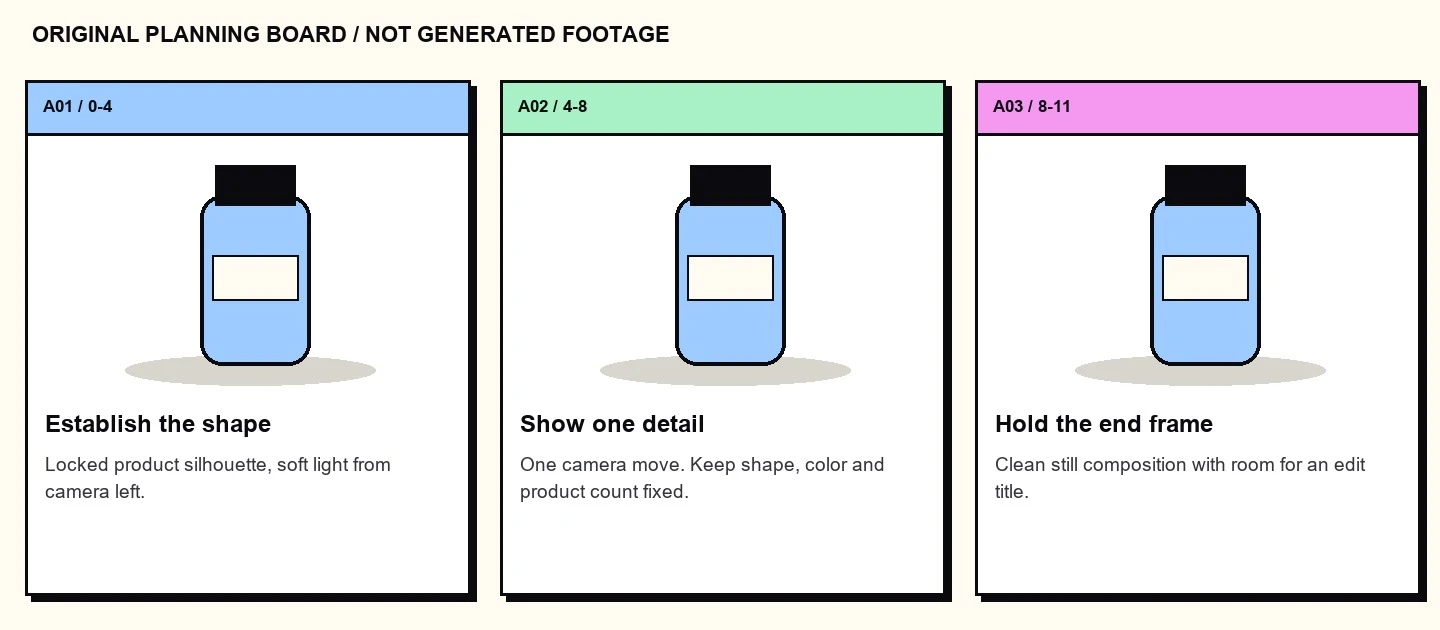
A workshop page from the guide, followed by an original example included in the practical files.
Six practical workshop steps
- Freeze the product facts
- Describe one visible action
- Build the planning board
- Choose the generation route
- Evaluate continuity before beauty
- Package a usable handoff
Your first session
- Open starter/shots.json and the continuity fields.
- Run: python -m pip install pillow
- From starter/, run: python storyboard.py shots.json output
- Inspect output/storyboard.jpg, then adapt a single shot to your chosen video tool.
Requirements and scope
A text AI assistant plus your chosen image or video generator. Generation credits are separate.
AI video generation is not included. Diffusers is a software library; individual model weights can use different licenses and have hardware requirements. Hosted providers charge separately and support different durations, reference controls and resolutions.
Public tools behind the workflow
These tools are available from their original authors. This independent guide adds instruction and original exercises; tool access, model weights and service accounts are separate.
- huggingface/diffusers ↗Apache-2.0 · source revision d42ebf9c6e0bLicense at reviewed revision
Try an editable prompt
Replace the bracketed fields with your own project details. This sample is part of the included prompt library.
Turn this brief into a shot specification: [BRIEF]. Use only these product facts: [FACTS]. Describe subject identity, action, camera position, lens feel, lighting, background and duration in separate fields. Make the action physically plausible. Define start and end frames and list details that must stay constant across takes. Provide a shorter fallback prompt if the generator ignores the main action. Finish with a review checklist for geometry, text, hands, reflections and continuity. Do not claim that any take has been generated or tested.
More tools for your next project.
Explore these other PromptPack digital products. Each pack is sold separately.